Skills
A skill is a reusable instruction document that an agent loads when the conversation needs it: a step-by-step procedure, a writing style, how to use a tool, a template. Skills keep agents' instructions short: the agent reads a skill only when it's relevant.
You create skills for the organization, then turn them on for the agents that need them.
Before you start
- You need the Create a skill permission to create one, and Update agents to assign it to an agent.
- Turn on the agent's tool loop: skills often need several steps. See Agent capabilities.
Create a skill
- On the Organization side, open Skills and click Create a skill.
- Enter a Name. The Slug (a kebab-case identifier) is generated from it. It can't be changed after creation.
- Write the Description. It matters most: the agent reads it to decide when to load the skill. Say precisely when it applies ("Use when the user asks for a quote for a renovation").
- In Content (Markdown), write the instructions. You can use
{{KEY}}context variables. - Optionally:
- Files: Add file to attach supporting documents (up to 15 files of 1 MB each, each with a description). Mention each file explicitly in the instructions, otherwise the agent won't open it.
- Sub-skills: Include a sub-skill to reuse another skill inside this one.
- Check the Preview, then save.
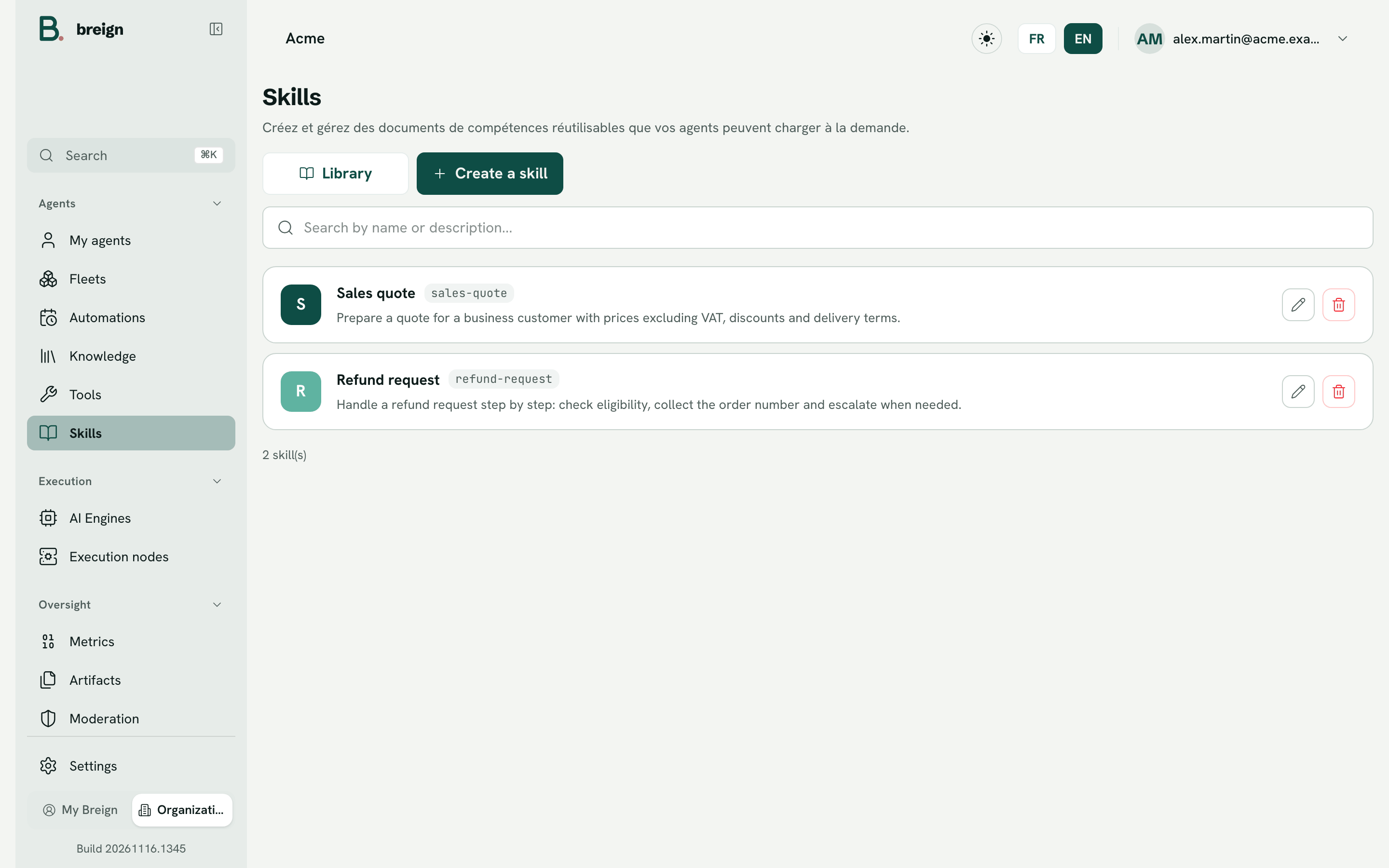
Install a skill from the library
The library holds ready-made skills shared on the platform.
- On the Skills page (or an agent's Skills tab), click Library.
- Click Install on a skill. It's added to your organization with a Library badge.
- When a newer version exists, Update to v{n} replaces its content after you confirm. To customize a library skill without losing your changes at the next update, use Duplicate as custom.
Assign a skill to an agent
- Open the agent and go to its Skills tab.
- Turn the switch on for each skill the agent may use. The footer shows how many are assigned.
Skills that define commands can also be called by users with / in the chat.
Result
The agent loads an enabled skill on its own when a conversation matches its description.
If something goes wrong
- The agent never loads a skill: its description is too vague. Rewrite it to state clearly when it applies.
- "A skill with this slug already exists in your organization.": choose another name or slug.
- "Slug must be kebab-case…": lowercase letters, digits and dashes only.
- "This skill cannot be added as it would create a circular dependency": a sub-skill already includes this skill.
- "15-file limit reached": merge files or move content into the instructions.
- "The tool loop is not enabled…" on the agent's tab: click Enable it here.