Tools and MCP
Breign supports connectors and tools via multiple protocols. We recommend you use primarly MCP connectors as they tend to be the most effective.
When adding a new tool, search inside our read-to-use marketplace. The service you wish to integrate with your agent might be listed there. If it is, our wizard will help you configure it.
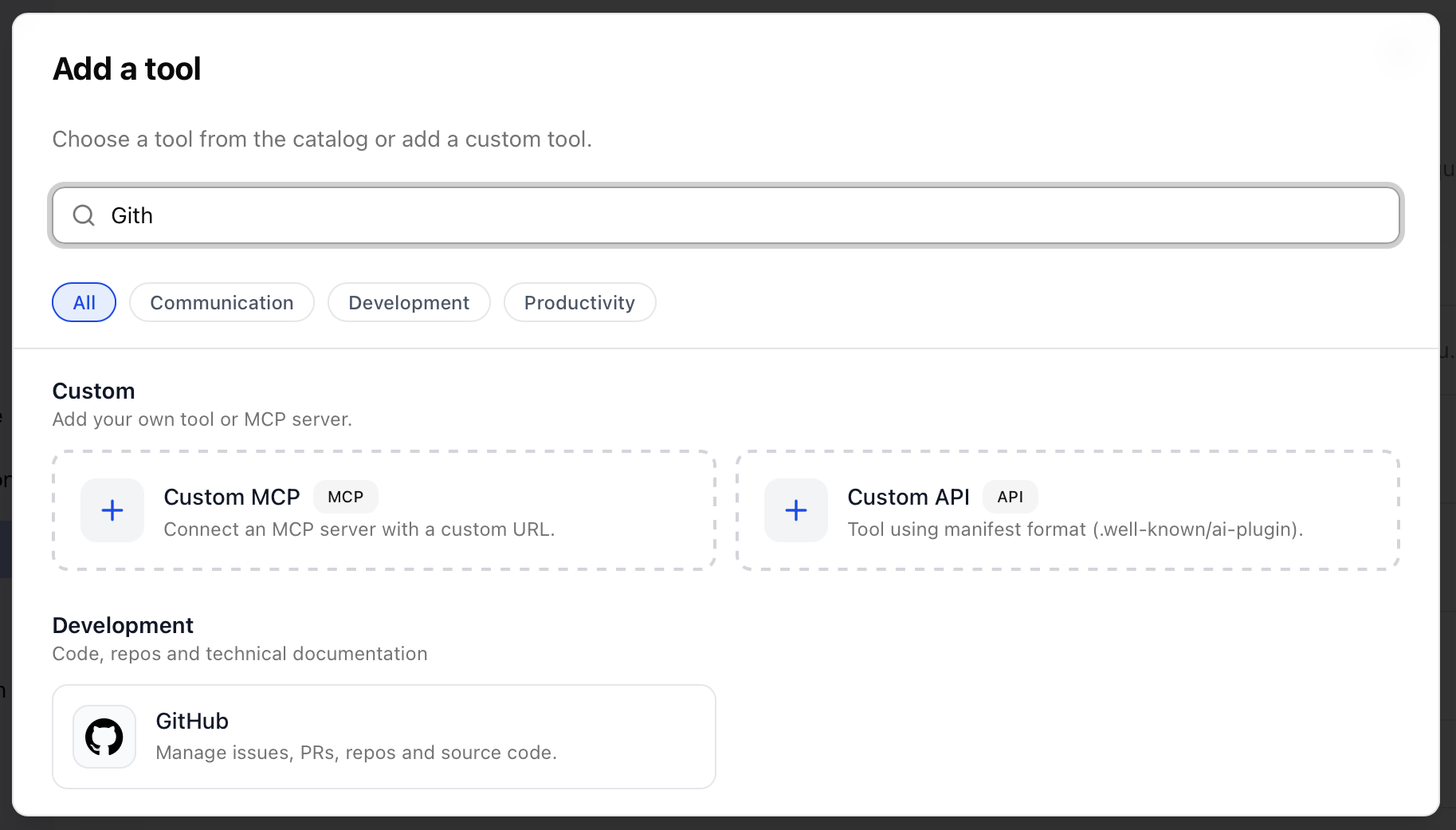
If an existing tool is not available, you can still add a Custom MCP connector.
Refer to the MCP server vendor documentation to know how to configure it. In general, most modern MCP servers are self-configuring and you only need to provider :
- A tool name (must be unique inside your organization).
- A tool description (to help you and your user identify the tool).
- The MCP endpoint URL (usually ends with /mcp : https://api.breign.eu/mcp).
- The authentication method you want to use.
- Select None for MCP without authentication.
- Select "API-Key" or "Headers" for MCP server giving an API key.
- Select "OAuth2" for MCP server implementation OAUTH2 authentication scheme.
- For Oauth2 MCP servers, self-configuration is usually enabled and you don't have to enter any other information.
- However, some MCP Servers give you an Oauth2 client ID (and some event a client secret). If this is the case, make sure to add them in the available optional configuration fields.
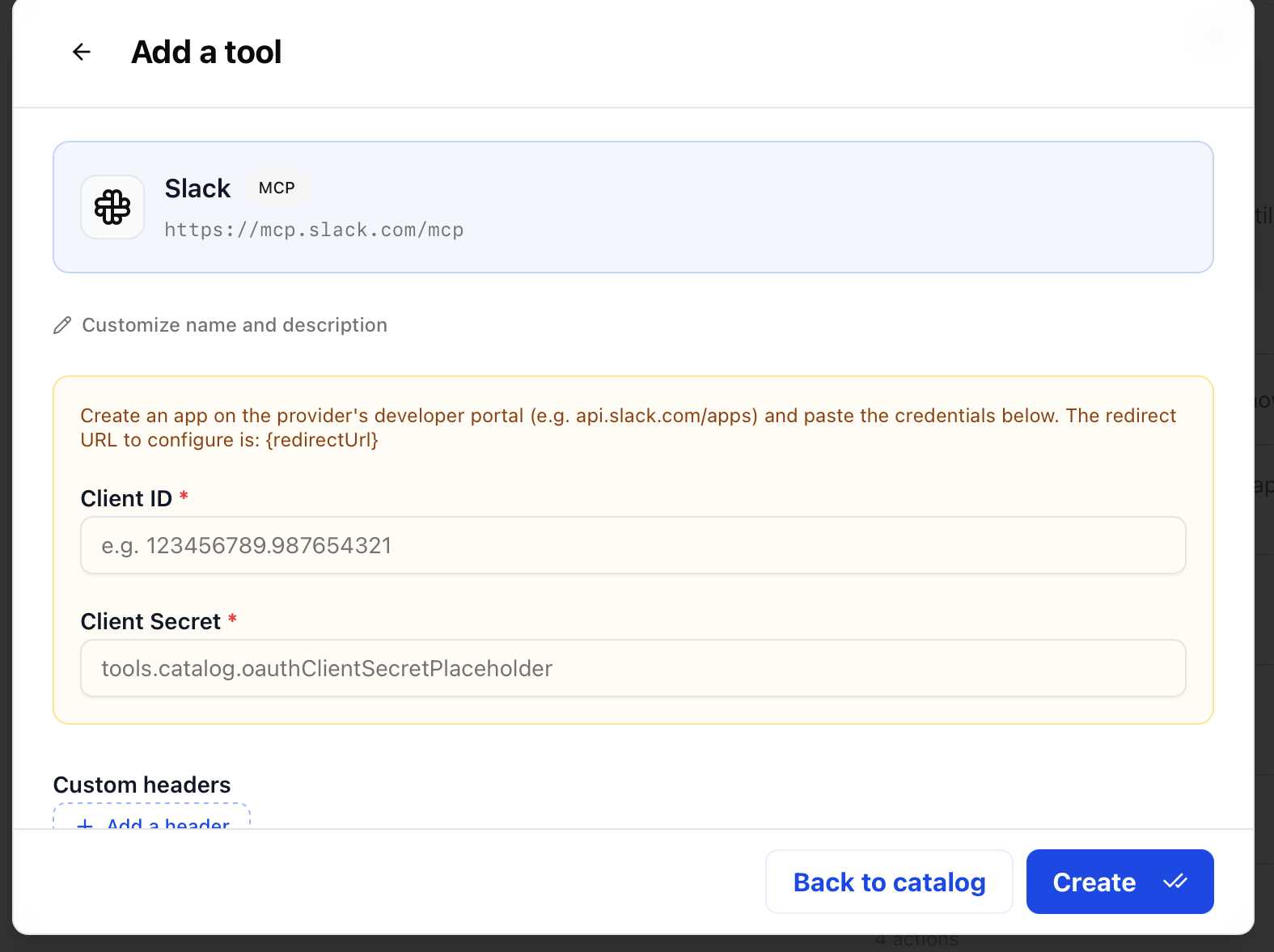
Click "add" and Breign and the MCP server will talk to each other to complete the configuration.
This initial setup make the tool ready to be connected to. Click the "connect" button to perform the authentication with the MCP server.
Tools can be either connected:
- by organization credentials, sharing the same authentication with all agents. Use this for MCP server that do not have user-specific data.
- by user credentials, when an agent uses the tool, it will ask the user to authenticate with the MCP server himself. Use this for MCP server that have user-specific data.