Knowledge
- How to organize knowledge in multiple bases.
- Supported knowledge sources:
- Text and markdown
- CSV
- Office files
- Websites
- Audio and video
- Tips for knowledge management.
- Q&A csv format.
- Knowledge Graphs.
Default knowledge
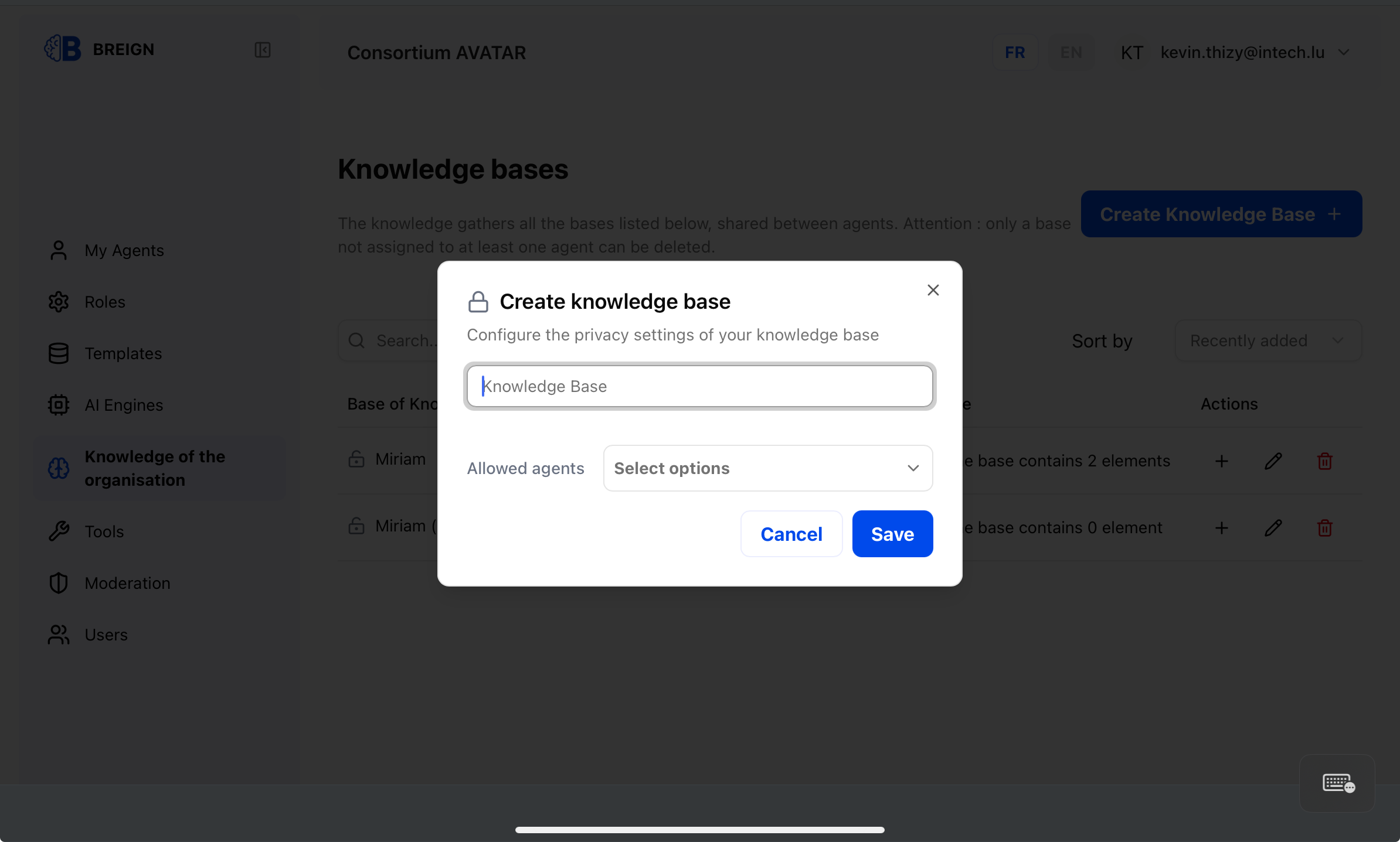
Create a knowledge base
Knowledge bases belong to your organization and can be shared by multiple agents.
To create a knowkedge base, go to "Knowledge" at your organization level and click the button.
Add documents and sources
The prefered way to manage knowledge is by uploading your files into the knowledge. We currently support the following file types, with more coming soon:
- .txt and .md files (recommended)
- .csv files
We also support indexing the content of a public website you own by entering an URL.
Behavior
Your sources will be parsed and processed for indexation. Their content is transformed into text, then splitted to small chunks of information. Finally, we use an AI model to vectorize the semantic meaning of these chunks so your agents can search them efficiently.
Note that each knowledge base maintain its own independant vector space.
Custom knowledge
We have more complexe knowledge management system such as support for Knowledge Graph. Contact your support representative to get early access.
If you have an external knowledge management solution, you can connect it to your agents by creating a custom tool or MCP connexion.