Agent roles
An agent role is a label that sorts your agents by use case: "Internal support", "Customer support", "Reception host", "Historical character", "Test"… Every agent has one, and the agents list can be filtered by role. You need at least one before creating an agent.
Agent roles are not the same as the access roles that decide what members can do. For those, see Users, roles and permissions.
Before you start
- Viewing agent roles needs Read organization; creating and changing them needs Update agents.
Steps
- On the Organization side, open Settings, then Agent roles.
- Click Create role.
- Enter a Role name, Assign a color and, optionally, a Role description.
- Confirm.
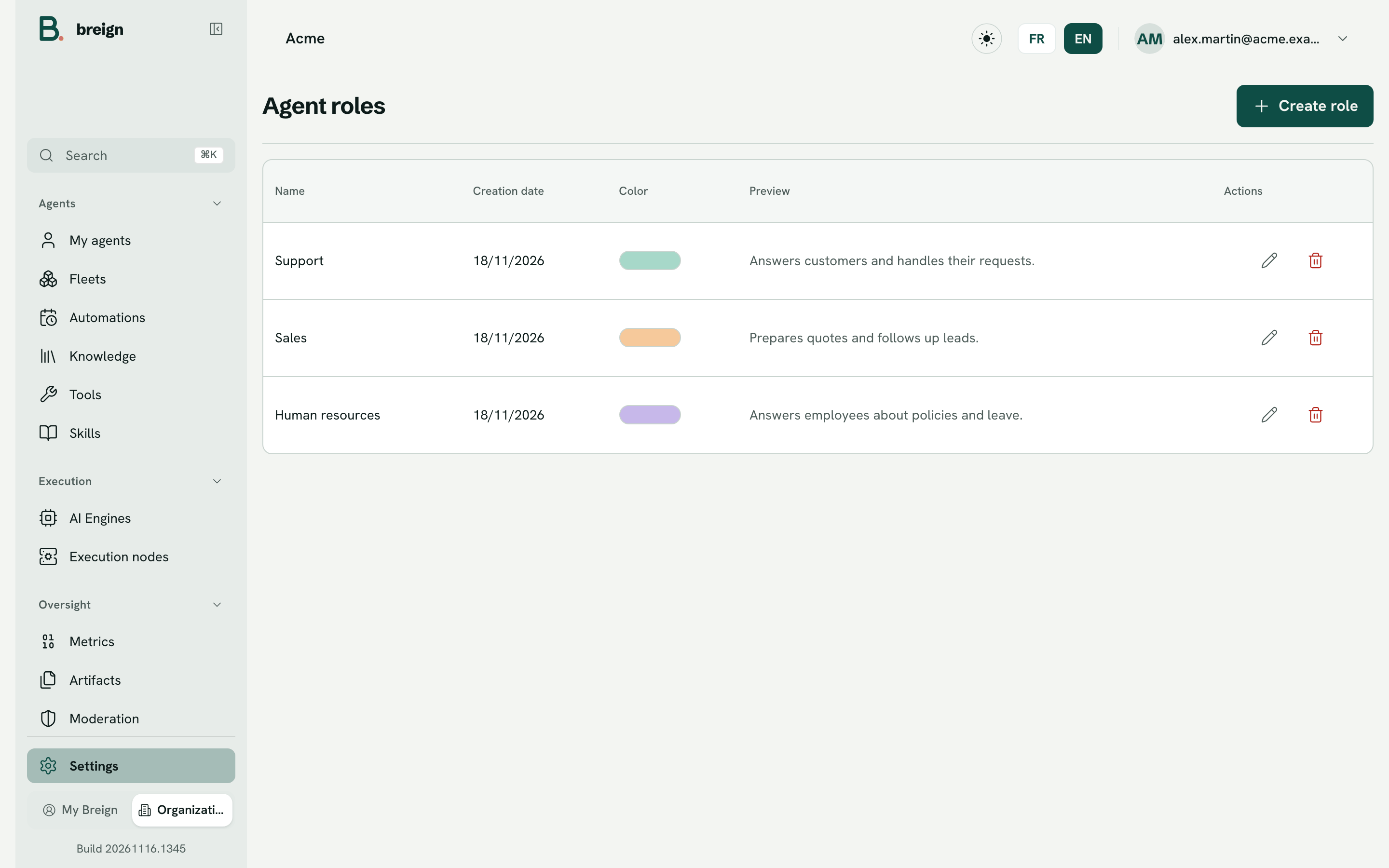
Result
The role appears in the list and in the Agent role dropdown when you create or edit an agent.
If something goes wrong
- "Role name and color are required.": fill in both.